

New! Split payments / Split bills in ONE wallet!
In everyday life, we often need to cover shared expenses — bills, lunch or dinner, gifts and trips. With the new feature in One Wallet, you can now split payments you have made with other users of the app in a convenient, transparent and fully digital way.
The new feature has been designed to remove the complexity and inconvenience of dividing shared expenses, turning the app into the natural and most convenient tool for creating and managing them.
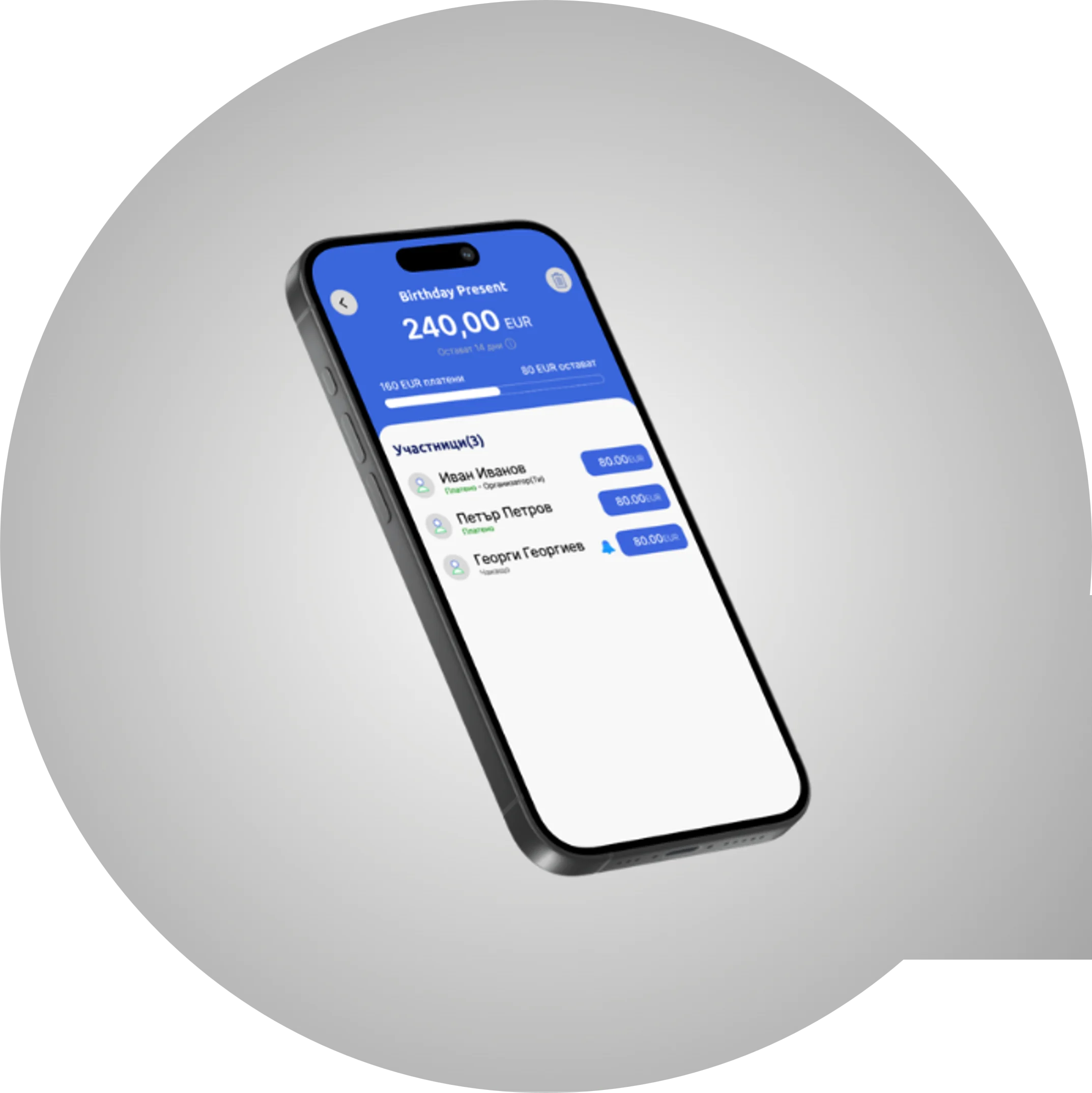
🆕What is new?
✨ Creating a request;
✨ Allocating amounts;
✨ Automatic calculations;
✨ Notifications;
✨ Real-time statuses.
Split payments give you the freedom to decide for yourself how the amounts are divided — you can start with an automatically suggested equal split, or enter the values manually, in line with whatever the participants have agreed.
All changes are reflected clearly and in real time, so that the process is transparent for everyone, with no need for further clarifications outside the app.
Communication is also made easier — each participant receives a notification, and if there is a delay, the organiser has a handy option to resend a reminder 🔔 with a single tap.
How it works:
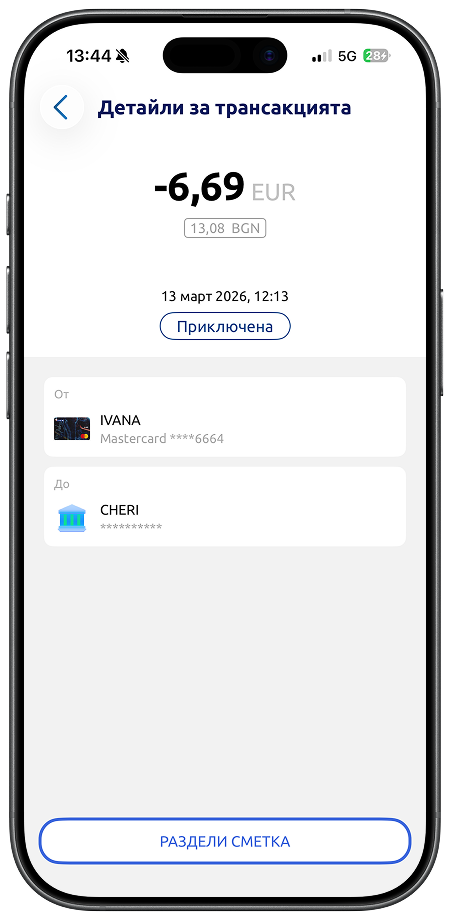
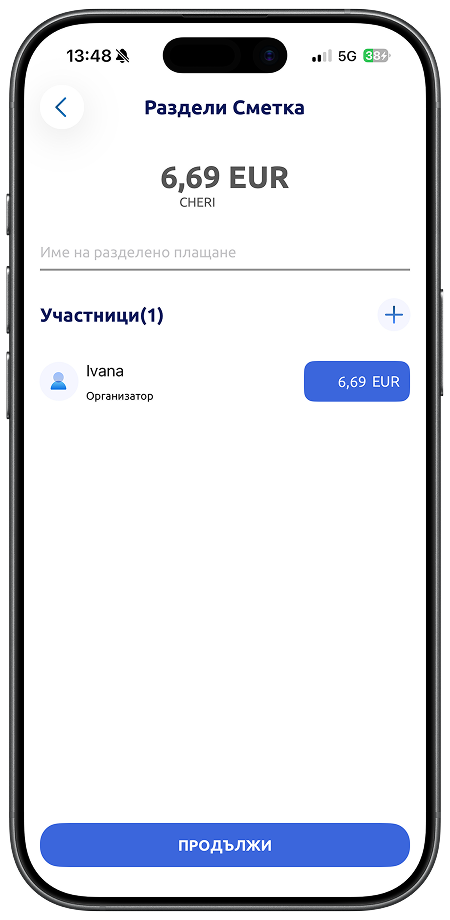
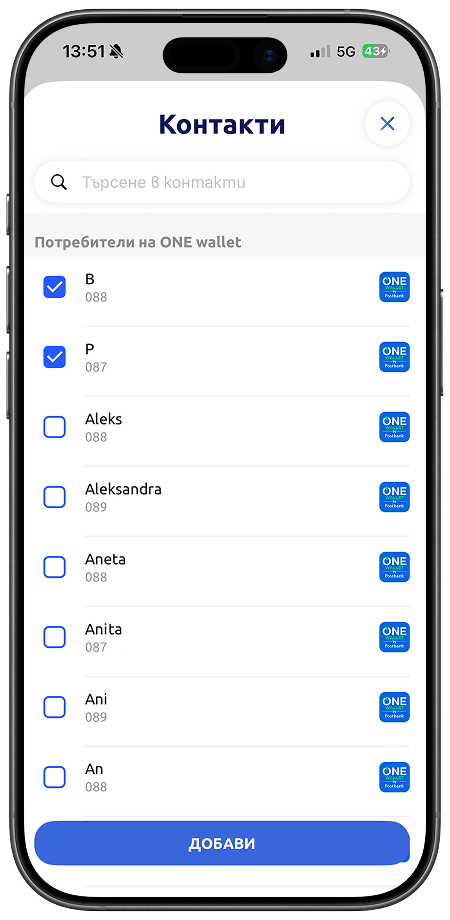
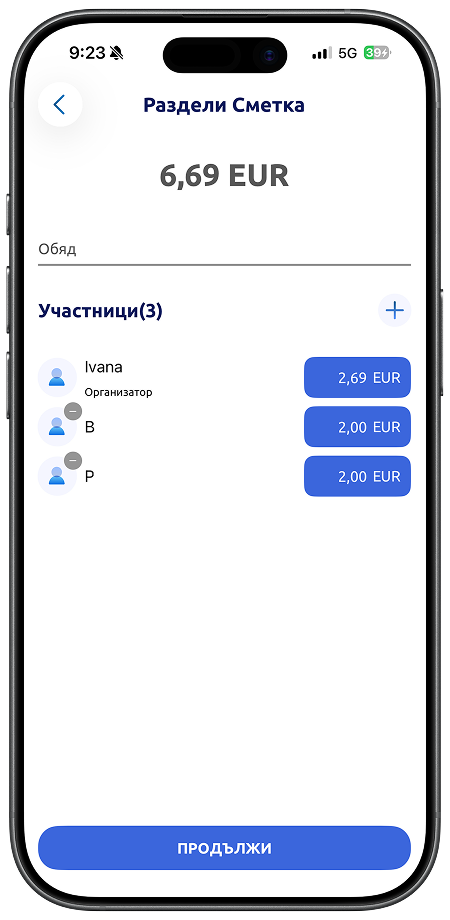
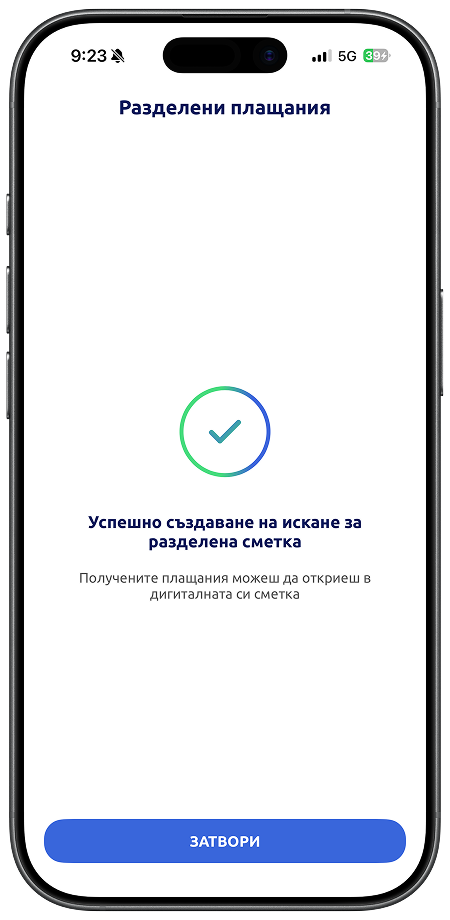
Amounts received from split payments are credited to your digital account immediately, making the process complete and exceptionally convenient — whether it involves everyday expenses or larger activities.