

Pay, withdraw and transfer money using
nothing but your phone.
ONE Wallet replaces your physical wallet - no card in your pocket, no cash to carry and no unnecessary waiting.
-
💳 Free digital card
-
📲 Contactless payments
-
🏧 ATM cash withdrawals
-
💸 Buy now, pay later
-
➗ Split payments
With the ONE Wallet by Postbank digital wallet, you can effortlessly make contactless payments and withdraw cash straight from your phone.
The mobile wallet is designed for every individual customer, new or existing, for whom new technology is an essential part of everyday life.
If your smartphone is an essential companion in your everyday life and plays a role in all your tasks and experiences, ONE wallet by Postbank will bring you many advantages.
We present your new digital wallet, which can completely replace the need to carry cash or have your bank card on hand.
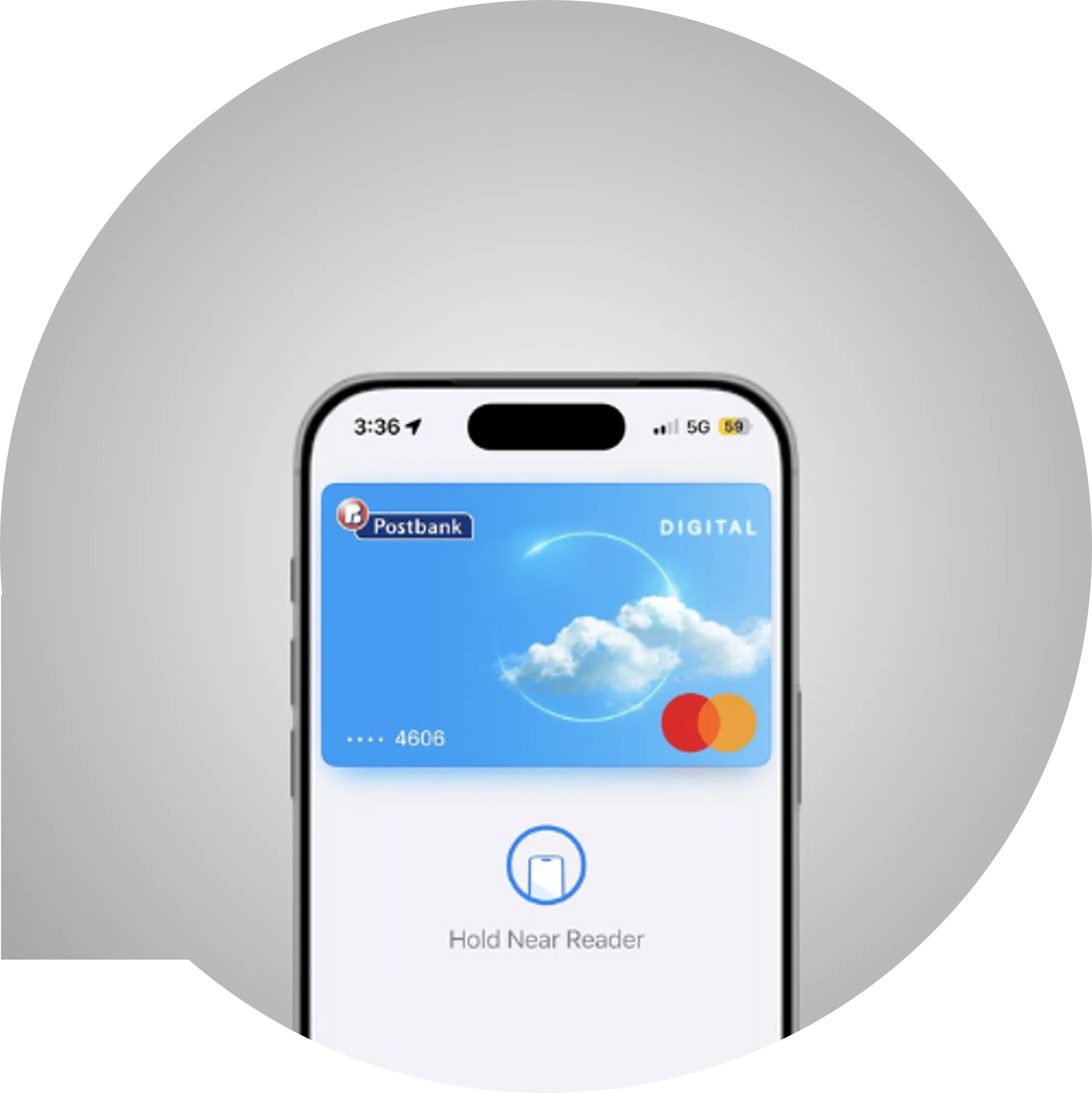
📱ONE wallet by Postbank
Because we know your smartphone is a valuable companion in your day-to-day life and a partner in all your tasks and experiences, we have created ONE Wallet by Postbank.
With ONE Wallet, your phone takes the place of your wallet - you pay contactlessly, withdraw cash and manage your finances without a card in your pocket.
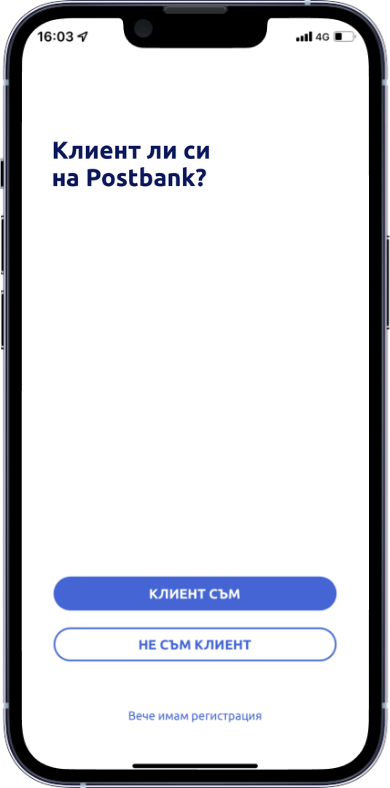
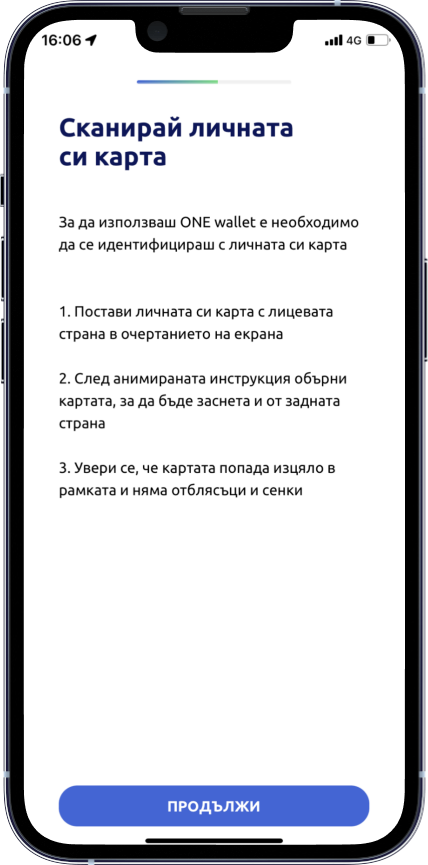
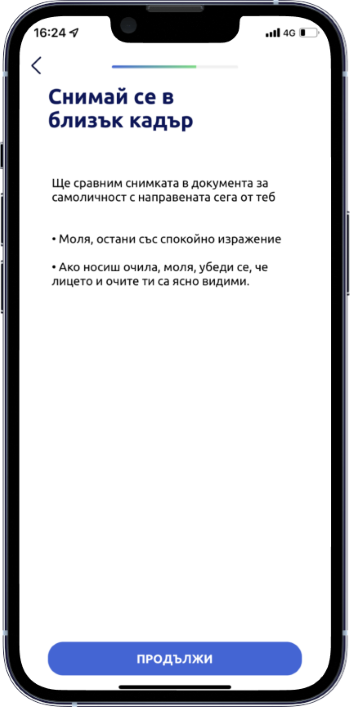
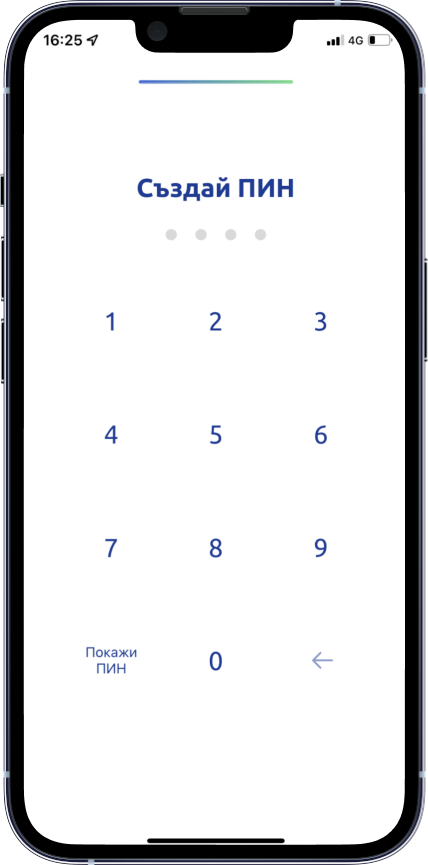
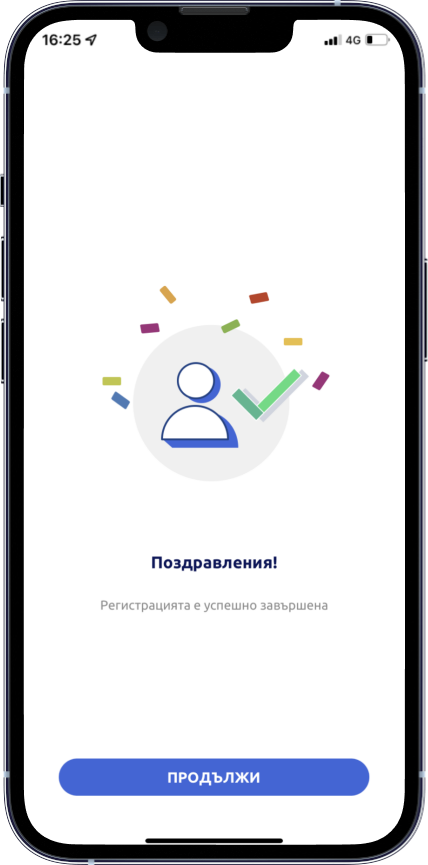
If you are not yet a Postbank customer, follow the steps to register for ONE wallet by Postbank:
🆕ONE wallet is now available for youngsters too! 🚀
📱 ONE wallet by Postbank – the modern, secure 🔐, and convenient solution for contactless payments 💳 and transactions – is now also available to young people aged 14 to 18, giving them the opportunity to become active participants in the world of digital banking and to build sound financial habits from an early age. 👧🏻👦🏻
How to split a transaction into instalments in ONE wallet by Postbank:
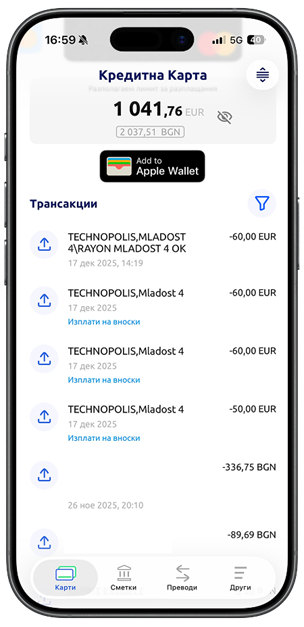
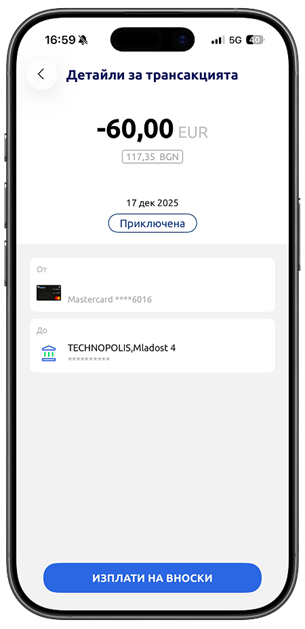

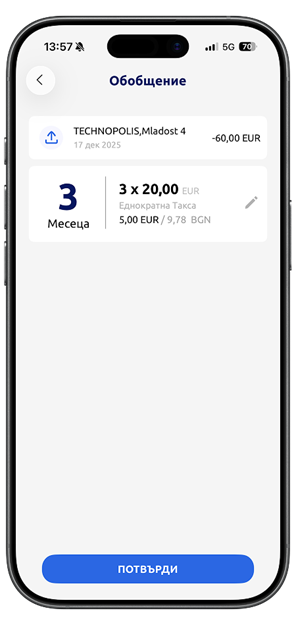
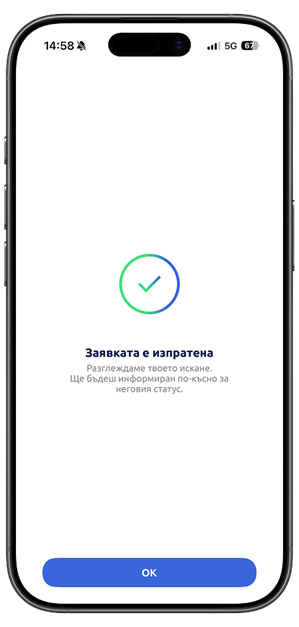
Don't miss the opportunity to get everything you want and split your transactions made with a Postbank credit card into equal monthly instalments.
The transactions must:
- Be purchases or cash withdrawals of at least EUR 50;
- Have been made no more than 30 days ago;
- Be posted (booked) to your account.

Useful information
- Register for ONE wallet by Postbank and enjoy all the benefits it offers, even if you are not yet a Postbank customer.
- Every registered user automatically receives a FREE digital card and account. The digital card is issued with a validity period of 3 or 5 years. Upon expiry, the card is automatically renewed if transactions have been made with it during the previous 180 days or if the user logs into the application.
- More information about contactless NFC payments at POS terminals, cash withdrawals from ATMs, and money transfers through the app can be found in the Payments and Transfers section.
- Receive instant push notifications on your phone for every transaction on your Postbank accounts and cards.
- Buy now, pay later. You can split purchases made with your credit cards into equal monthly instalments. Learn more here.
- Use any of your cards issued by another bank in Bulgaria to top up your Postbank digital card. Simply select "Add Money" under your card, follow the steps, and the funds will be available on your digital card within seconds.
- Freedom and security in one place – with ONE wallet by Postbank, managing your Postbank cards is entirely in your hands.
For assistance and for transactions outside the EEA (European Economic Area), you can contact us at 0700 18 555 (Customer Service Center) or *7224 (short code for mobile operators), via our Customer Relations contact form, or through the official Postbank Facebook page, where you can receive expert advice and assistance.
Apple Pay is a feature that enables payments at POS terminals without the need to carry your physical payment card. It allows you to make payments using a digital version of your card, registered in Apple Pay, directly through your iOS device – iPhone, iPad, or Apple Watch.
To make payments directly with your iOS devices, you need to add your Postbank-issued card to the digital wallet on your iOS device – Apple Pay. You can add Postbank-issued VISA or Mastercard cards.
You can start using Apple Pay immediately after digitizing your debit, credit, or prepaid card in Apple Wallet.
How can I add a Postbank-issued card to Apple Pay?
You can add your card to Apple Pay by selecting the "Add to Apple Pay" button in the Cards menu of ONE wallet by Postbank.
By selecting "Add to Apple Pay", the chosen card is digitized and a digital equivalent of the card is created, which is stored securely and in encrypted form on your selected Apple device.
To add your card:
- Sign in to ONE wallet by Postbank using your PIN or biometric authentication. If you are not yet registered, learn more about the benefits of the service and how to register here.
- In the Cards menu, you will find an "Add to Apple Wallet" button below each of your active cards available in the application.
- Review and accept the Terms and Conditions of the service.
- Once the process is complete and your card has been successfully digitized, you can use it for contactless payments directly from your smart device.
- Open the Wallet app on your iOS device.
- Select the “+” button to add a card.
- Review and accept the Terms and Conditions of the service.
- You can either scan your card or enter the card details manually.
- Follow the on-screen instructions to complete the process.
You can digitize your cards in Apple Pay on compatible devices running the latest versions of iOS, iPadOS, and watchOS.
- With Apple Pay, you can make payments at all merchants in Bulgaria and abroad that have a contactless POS terminal, as well as online at websites displaying the Apple Pay symbol.
Every payment made with a digital card is authenticated using biometric data – Touch ID (fingerprint recognition) or Face ID (facial recognition).
How do I make a payment with Apple Pay?
Launch Apple Wallet by quickly pressing the side button on your iPhone twice.
The card set as your default payment card will be displayed first. If you would like to pay with a different card, select the desired card from the list.
Hold your device close to the POS terminal. Once the payment is successful, DONE will be displayed on your device's screen.
Take your receipt from the terminal.
Important! The number of the digitized card differs from the number of the physical card. The first 4 and last 4 digits of the card number shown on the terminal receipt will be different from those printed on the physical card.
You can digitize each card on more than one Apple device.
Learn more about the service at: Apple Support
*If your device on which you have digitized your debit, credit, or prepaid cards is lost or stolen, you should contact us at 0700 18 555 or 7224.
A Bank representative will block your digitized cards, while you will still be able to use your physical cards.
If your physical card has been lost, you should contact the Customer Service Center. In this case, a Bank representative will block both the lost or stolen physical card and all digitized versions of that card.
See how to quickly and conveniently add your card to Apple Wallet and make purchases with Apple Pay.
General Terms and Conditions of Eurobank Bulgaria AD for the Use of Bank Cards through a Mobile Electronic Wallet:
To use ONE wallet by Postbank, you need a mobile device running Android 8 or later, or iOS 15 or later.
You must also have internet access via Wi‑Fi or mobile data. If you use the application over your mobile operator's data network, please check the terms of your individual mobile tariff plan.
If you wish to terminate your registration and close your digital card and the account linked to it, follow these steps:
After logging in to ONE wallet, select "More" → "Settings", then choose "Deactivate Profile" → "Confirm". The application will require confirmation using your PIN code or biometric authentication.
To deactivate your profile, your digital card/account must have a zero balance, and all card transactions must be posted (settled).
The service is available to existing Postbank customers, as well as to new customers who are legally competent individuals holding a valid Bulgarian identity card and who, as of the date of registration in the ONE wallet by Postbank application, do not use any other products or services of the Bank.
The service enables contactless payments using digitized payment cards issued by the Bank, as well as other payment transactions, in accordance with the Bank's General Terms and Conditions for the service, which can be found here.
The ONE wallet by Postbank application is available for mobile devices running Android, iOS, and HarmonyOS operating systems. For contactless payments with ONE wallet by Postbank, your mobile device must support NFC functionality. On iOS devices, payments are made through the Wallet (Apple Pay) functionality on iPhone. For more information on how to register a card in Apple Pay, click here. If you are unsure whether your device supports these functionalities, please refer to the technical documentation provided by the manufacturer.