


Security tips for Postbank Digital Services
At Eurobank Bulgaria, the security and protection of customer data is of the utmost importance. We take great care to safeguard the confidentiality of your information whilst you use Postbank Web.
To achieve an even higher level of protection, we kindly ask you to read and follow the recommendations set out below.


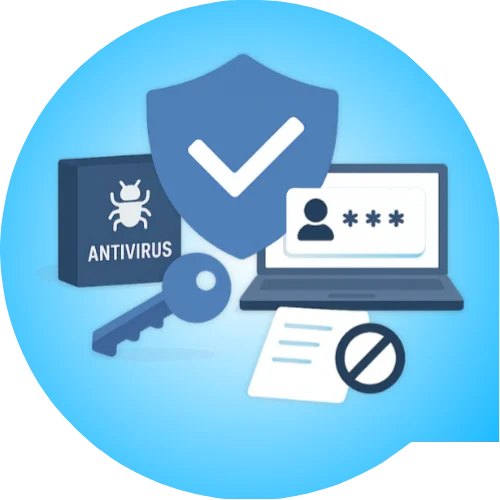
Core security rules
To achieve a higher level of security when using Postbank's digital services, follow these basic rules:
-
Anti-virus software — Use an anti-virus program and update it regularly to protect yourself against viruses and malicious code
-
Updates — Keep your browser, operating system and all program up to date, as updates enhance the level of security
-
Password changes — Change your Postbank Web access password on a regular basis
-
Confidentiality — Never disclose your user name or password to anyone, including family and close friends
-
No physical records — Do not write down your access details on paper or on any media, in order to avoid the risk of theft
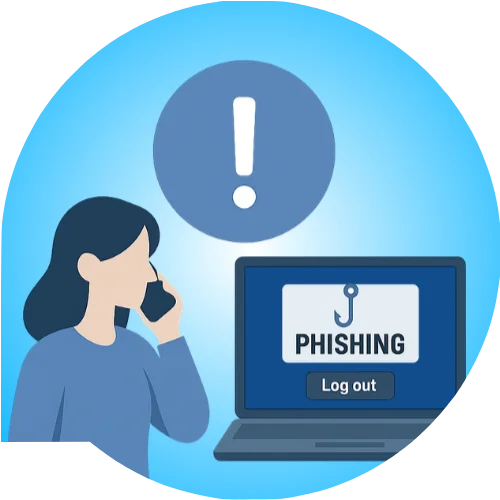
In the event of an incident, act immediately
If you have any suspicion
If you suspect that your user name and/or password have become known to someone else, change them immediately using “Change password” and “Change user name” in Postbank Web, or notify the bank on 0700 18 555 / *7224.
Phishing attacks
“Postbank will never ask its customers for access codes, passwords or bank card details by email.” If you suspect a phishing attack, please notify the bank immediately on 0700 18 555.
Safe log-out
When you have finished using Postbank Web, always click the “Log out” button. Do not simply close the browser window without first logging out of the service.
*Postbank guarantees the confidentiality of your data when using the Internet Banking system.


Useful information
Phishing is an online attack in which fraudsters try to persuade customers to disclose personal or financial information via email or a website. The email looks like an official message from a legitimate source, but it directs you to a fake website.
Postbank will never ask for access codes, passwords, bank card numbers or any other confidential information by email.
In case of a suspected phishing attack, please notify us at 0700 18 555 / *7224.
If you suspect that someone has learned your username and/or password:
- Use the “Change password” feature in Postbank Web straight away.
- Change your user name as well, via “Change username”.
- Notify the bank on 0700 18 555 or *7224
Postbank never requests by email:
- Service access codes
- Passwords
- Bank card numbers
- Other confidential financial information
Tip: If you receive such an email, do not click any links in it. Instead, visit e-postbank.bg directly by typing the address manually into your browser.
The recommendations provided are published for informational purposes and do not constitute an exhaustive list of the obligations of the user of the "Internet Banking" service related to safeguarding the personalised security credentials of the payment instrument.
Compliance with these recommendations does not limit the liability of the user of the "Internet Banking" service as provided for in:
- the Payment Services and Payment Systems Act
- the secondary legislation adopted for its implementation
- the Bank's General Terms and Conditions for the "Internet Banking" electronic banking service