

Pay in a single click,
completely securely, with
Mastercard Click to Pay
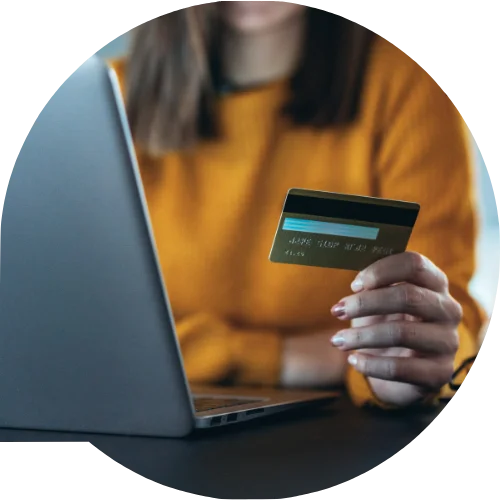
Keep pace with a fast-moving daily routine and stay one step ahead. Forget long passwords and typing in your card details by hand for every purchase. With Click to Pay, online payments become faster, easier and more convenient.
- Easy:
Your cards are stored securely and are ready to use with a single click through your Click to Pay profile. - Fast:
You save time, because you no longer need to re-enter your card details for every purchase. - Secure:
Your card details are protected with a high level of security, in line with the highest standards in the payments industry.
How and when to use it?
Registration
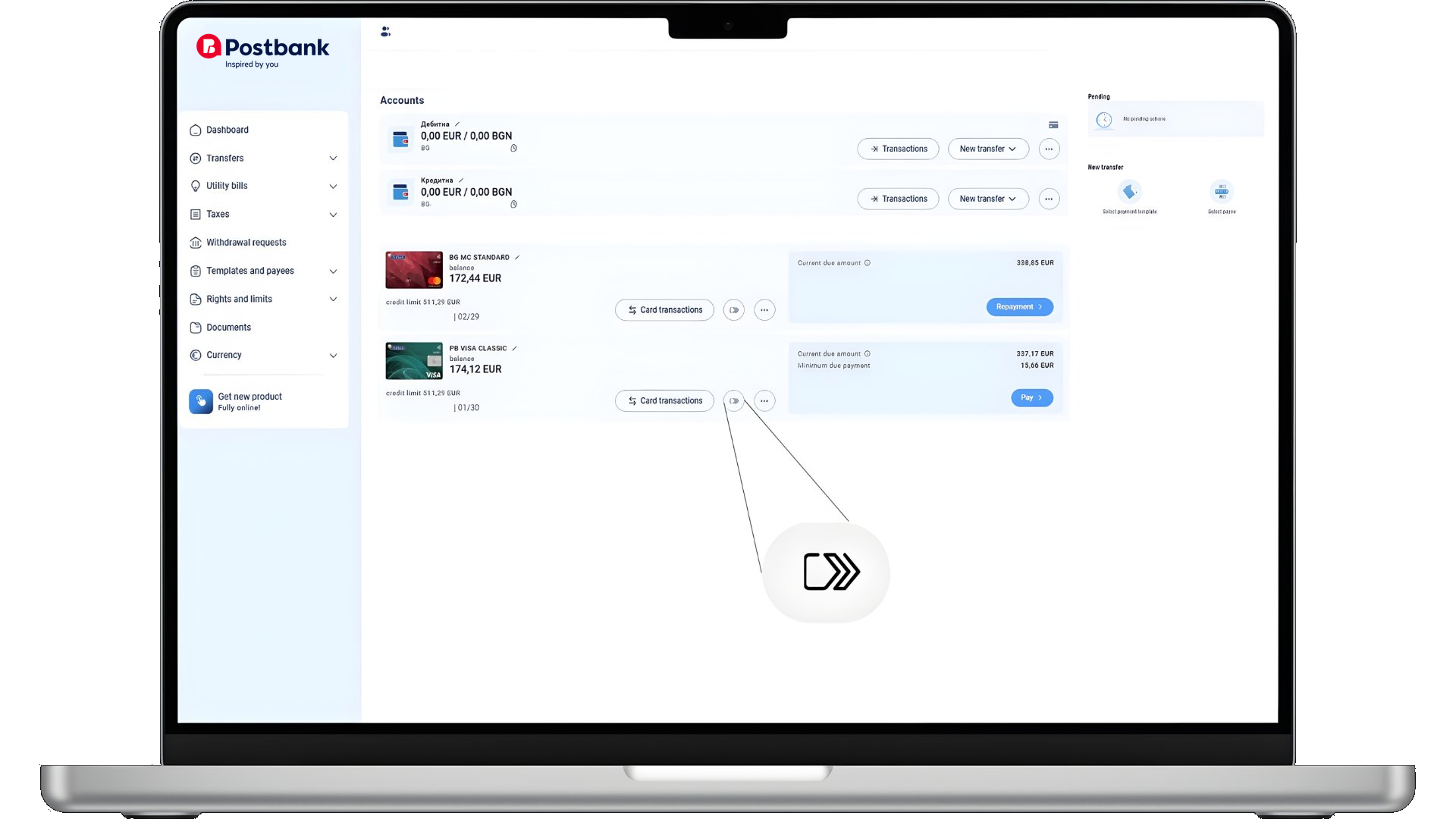
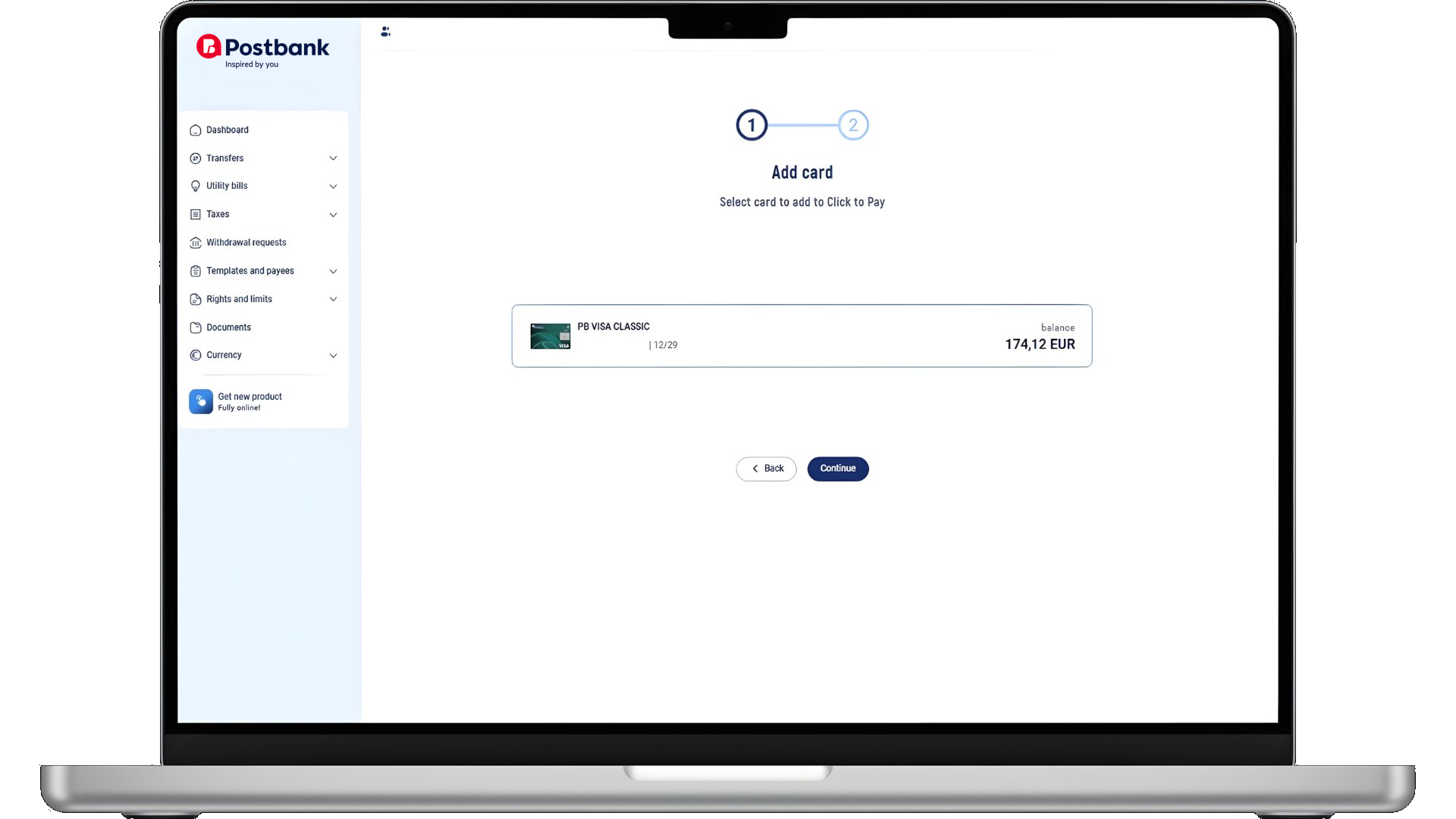
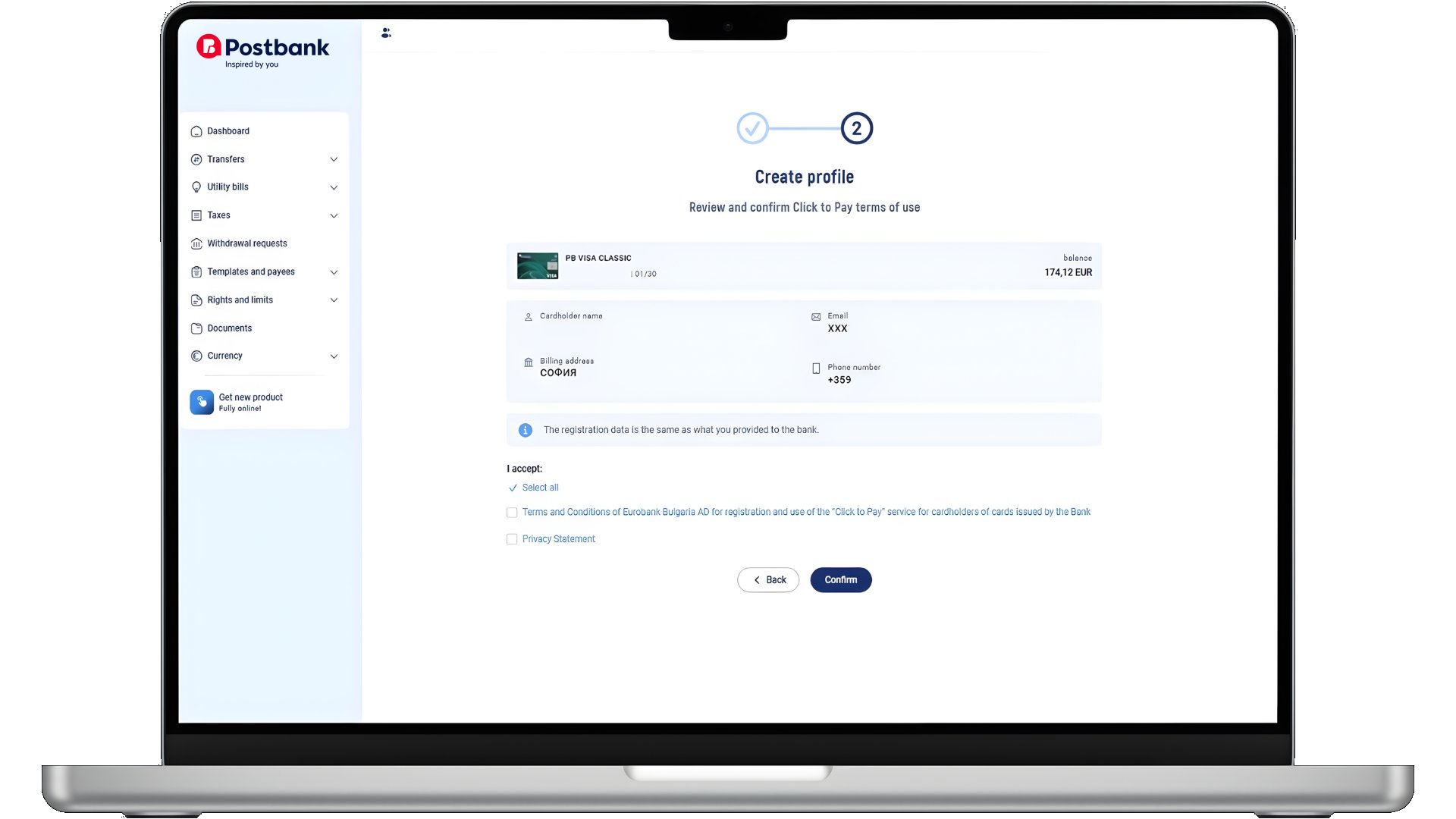
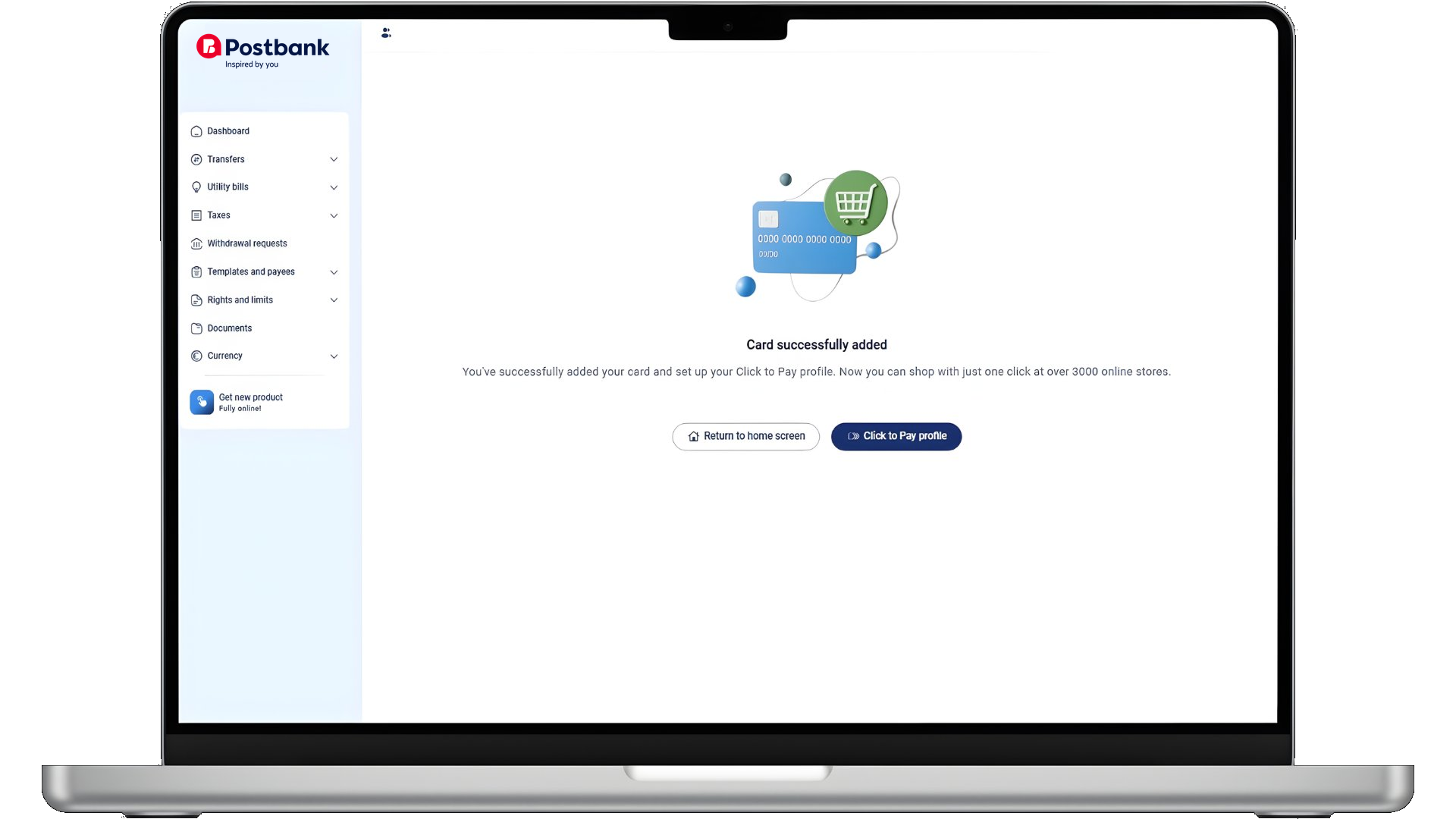
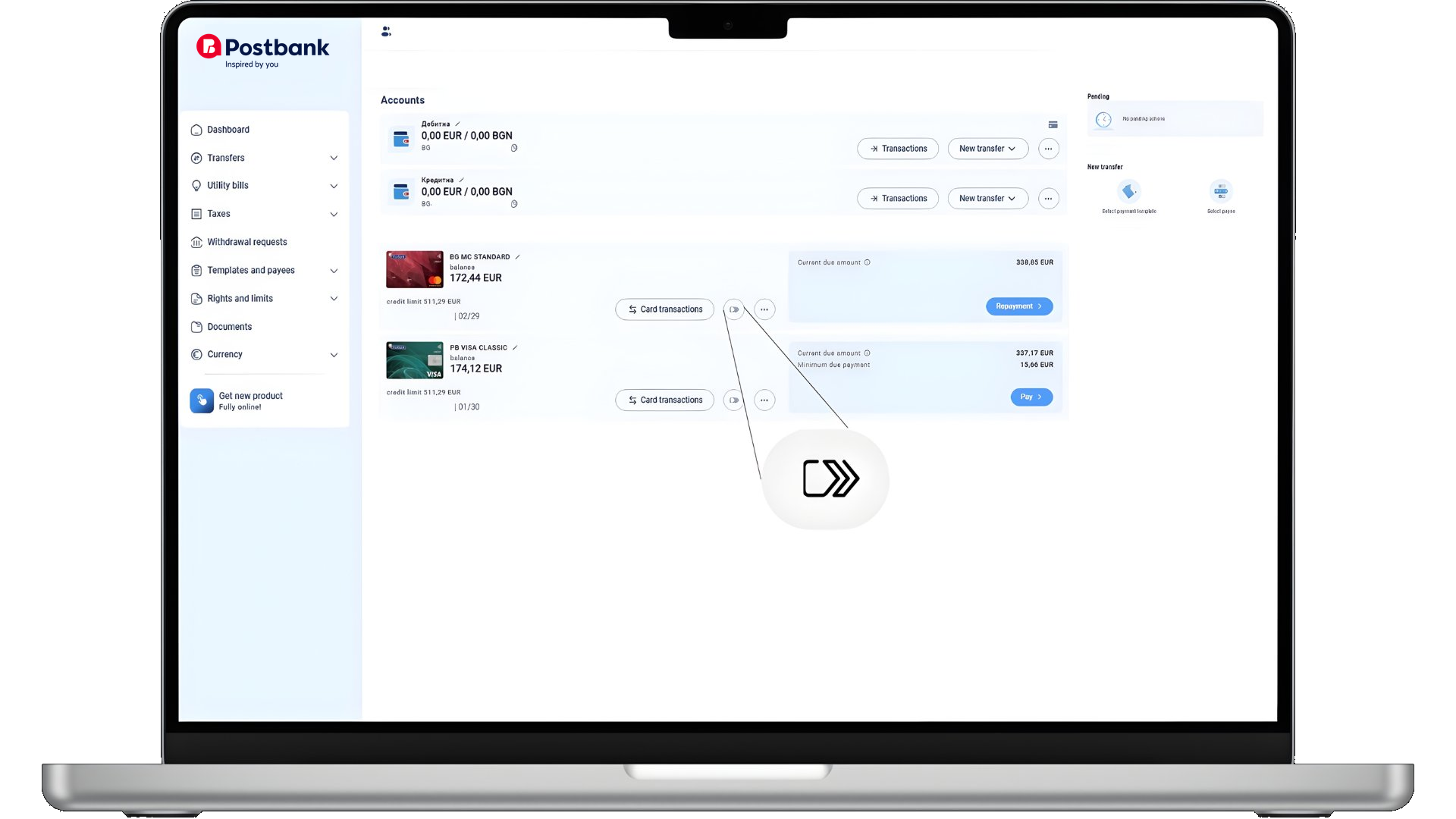
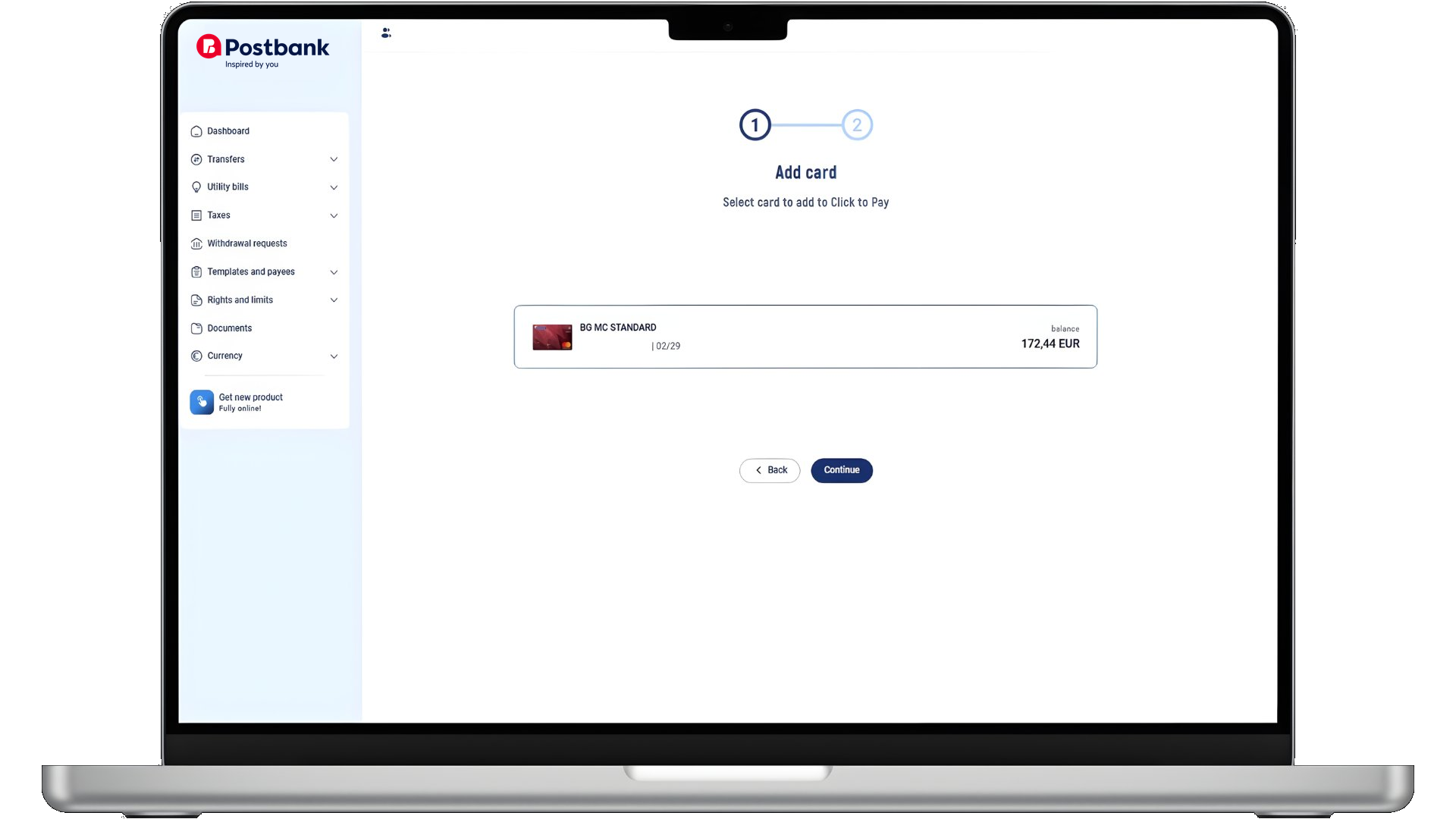
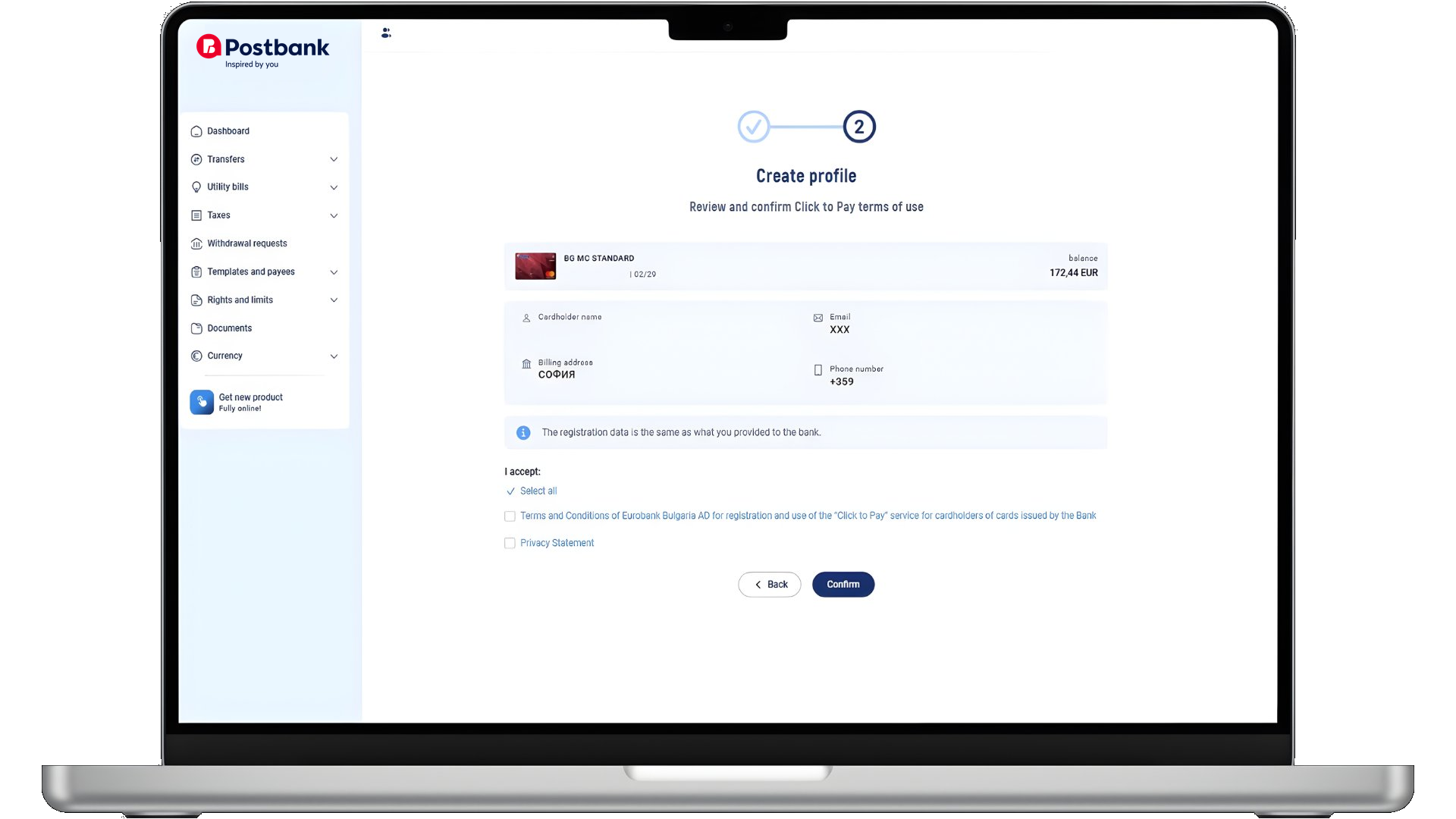
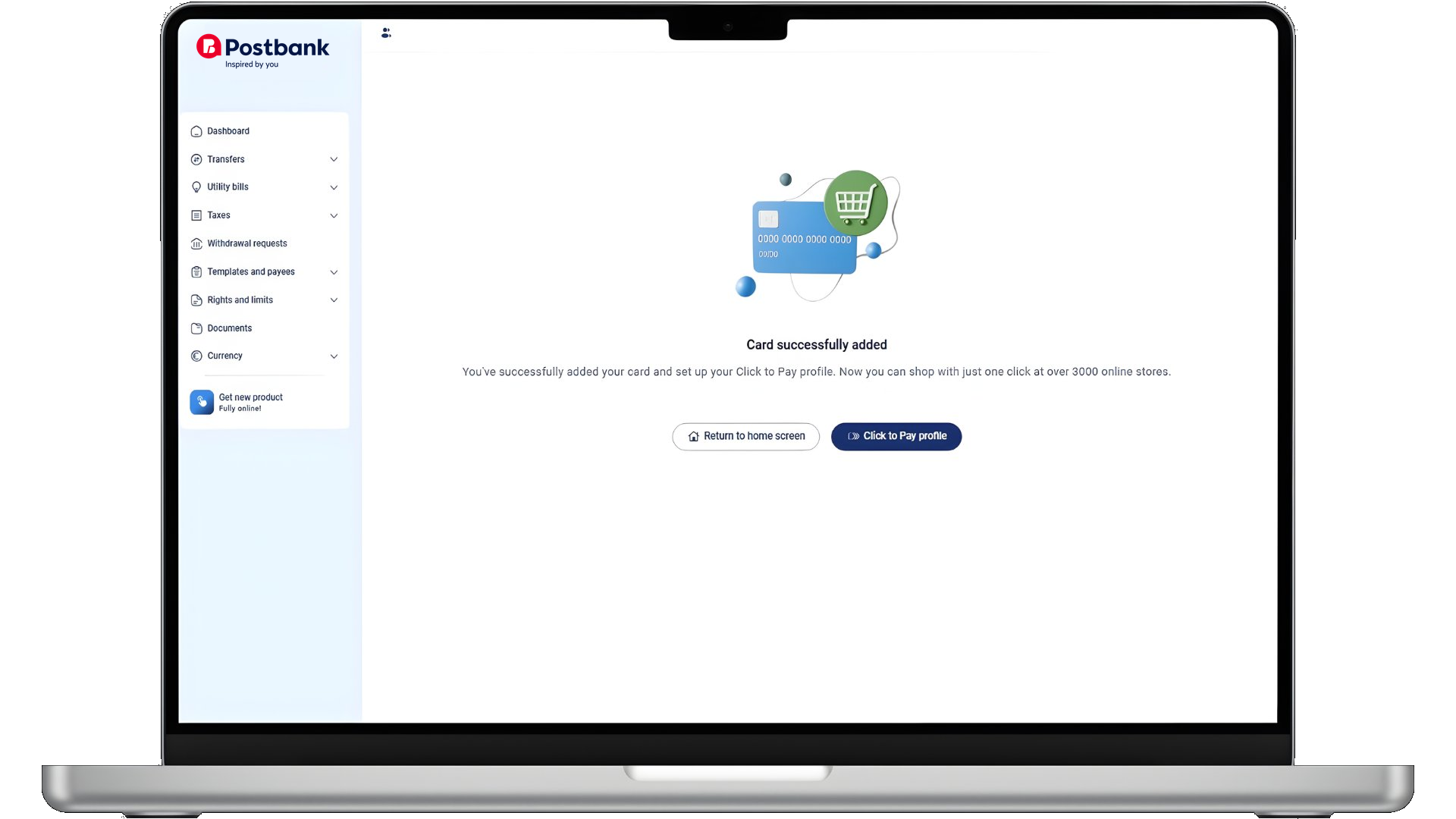
To get started, you need to register your card with Click to Pay. Simply open Postbank Web, find the Click to Pay icon and follow the straightforward registration steps.
Choosing it at checkout
When you shop on a merchant's website, select the Click to Pay icon at checkout and complete your payment in just a few seconds, with no need to type in your card details.
Managing your cards
You can add, manage and remove cards from your Click to Pay profile at any time, directly from Postbank Web.
*Click to Pay is available at all online merchants displaying the Click to Pay symbol during checkout.

Activate
Mastercard Click to Pay -
conveniently through your browser
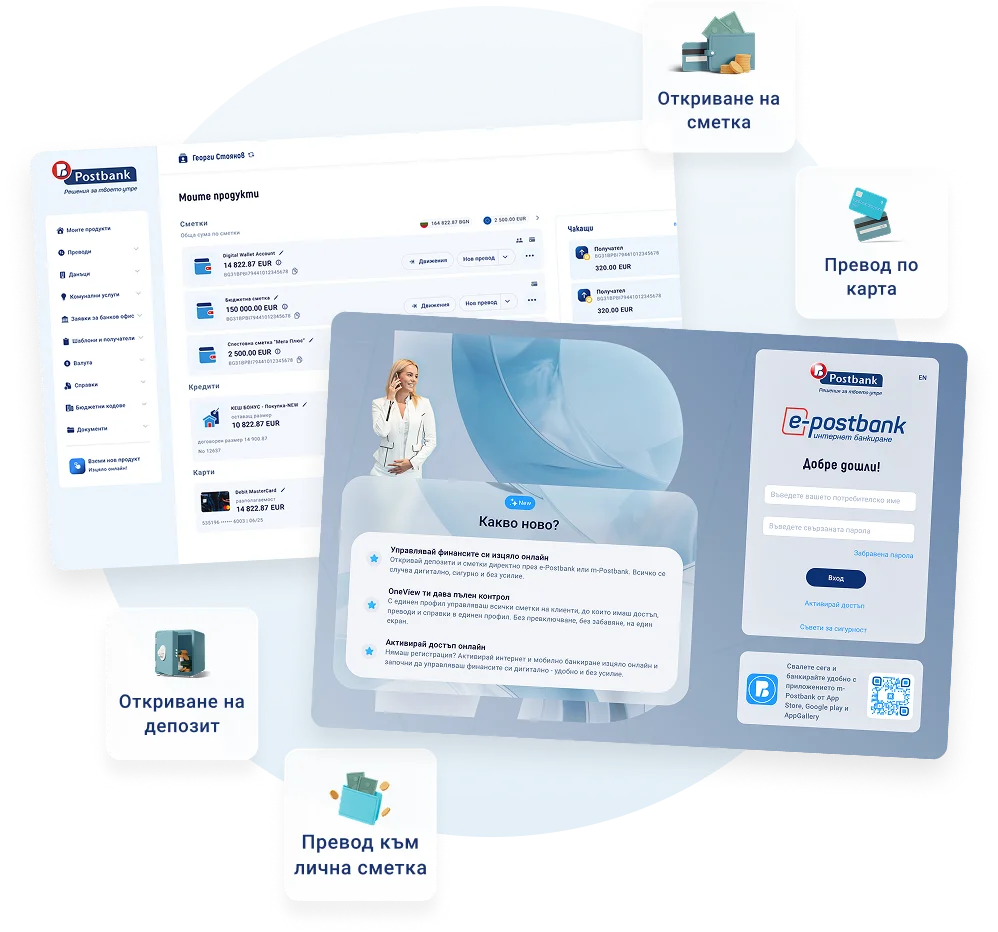
Internet banking from Postbank is suitable for customers who prefer managing their finances on a larger screen. Activate Click to Pay quickly and easily directly from your profile.
- Access via computer or laptop
- Activate Click to Pay for each card
- Secure login and data protection
- Manage accounts and products
Useful information


Click to Pay - fast, convenient, and secure online payments with Visa cards
Click to Pay is a modern online payment service that lets you pay with a debit or credit card faster, easier, and more securely.
You can use Click to Pay:
- in online stores; 💻
- in mobile apps; 📱
- at merchants that accept Visa payments and display the Click to Pay logo.
With this service, you don’t have to enter your card details for every purchase, which makes the entire process much more convenient.

Visa Click to Pay
This service was created to make online payments easier and save you time.
Instead of repeatedly entering your card number, expiration date, and other details, with Click to Pay you can complete your purchase with just a few clicks.
Your card information is stored in a secure environment that meets high security standards. This gives you peace of mind with every payment and eliminates the need to re-enter your information. The result is a faster and more convenient online experience.
With Click to Pay, online payments are easier and more convenient, whether you’re shopping on a computer, tablet, or smartphone. It’s a practical solution for faster, more secure, and hassle-free online payments.
Activate
Visa Click to Pay -
conveniently via a web browser
Postbank’s online banking is ideal for customers who prefer to manage their finances on a larger screen. Activate Click to Pay quickly and easily directly from your account.
- Access via computer or laptop
- Activate Click to Pay for any card
- Secure login and data protection
- Manage accounts and products